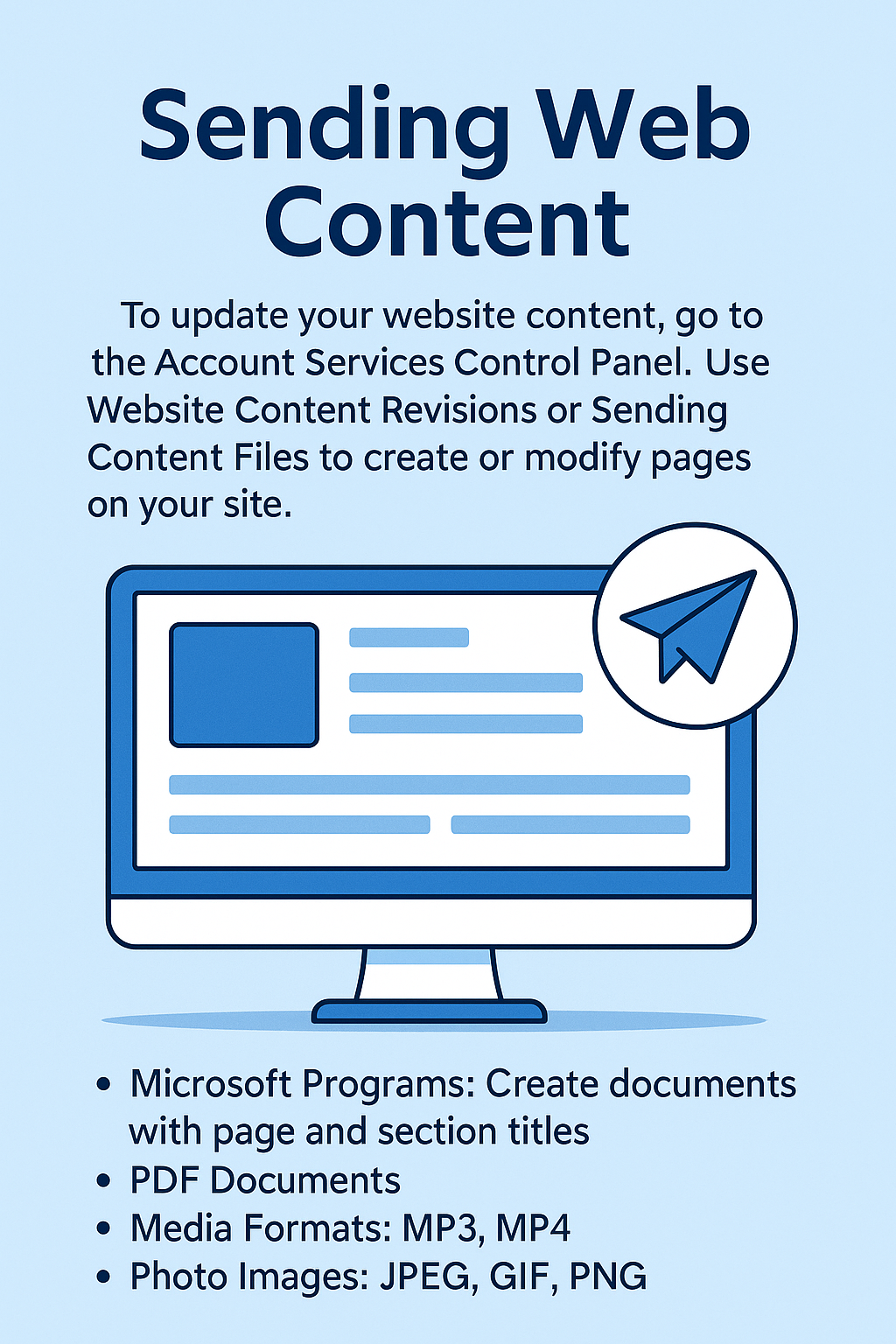
How to Send Your Web Content
To build or update your website, we'll need your text, images, documents, and any media files
you want to feature. This page explains the easiest ways to send your content to My City Me
and which file types we accept.
1. Use the Account Service Control Panel
The most reliable way to send or update your web content is through your
Account Service Control Panel, located under the Online Support menu.
- Go to Online Support > Account Service Control Panel.
- Choose either Website Content Revisions or Sending Content Files, depending on what you need.
2. Choose the Right Option
Website Content Revisions is best when you want to:
- Update text on existing pages (headlines, paragraphs, contact info, etc.).
- Replace or add a few images to pages that already exist.
- Make small layout or wording changes.
Sending Content Files is best when you want to:
- Send new pages or sections for your site.
- Upload multiple images, documents, or media files at once.
- Provide detailed content for a new website or major update.
3. Types of Content You Can Send
Here are the most common types of content we work with:
- Website text: page titles, headings, body copy, product descriptions, FAQs, etc.
- Images: photos, logos, graphics, banners, and icons.
- Documents: brochures, price sheets, forms, guides, and downloadable PDFs.
- Media: audio clips, promo videos, and other multimedia you'd like embedded.
4. Supported File Formats
Text & documents (send as attachments):
- Microsoft Word:
.doc, .docx
- Plain text / Rich text:
.txt, .rtf
- PDF documents:
.pdf
Images (for photos, logos, and graphics):
Audio & video (for media sections or galleries):
- Audio:
.mp3
- Video:
.mp4 (preferred), .mov
If you have many files, you may compress them into a single
.zip file before uploading.
5. Tips for Organizing Your Content
- Use clear file names such as about-us-text.docx, home-page-banner.jpg, or services-page-images.zip.
- Include a short note that says which page each file belongs to (for example: Home, About, Services, Contact).
- Send final, proofread text whenever possible to avoid delays.
- If you're replacing something on an existing page, mention what should be removed or updated.
6. Need Help?
If you're not sure how to prepare or send your web content, we're happy to help.
You can reach us through our Customer Support form
or by visiting the Customer Care section under Online Support.
Together, we'll make sure your content is delivered correctly so we can get your website looking the way you want it.